Editing
Working with segments
A new project starts with a single segment covering the whole clip.
- Split — move the playhead to the desired position and press Split here.
- Adjust — drag a boundary on the timeline to move it.
- Merge — select a segment and press Merge & delete to merge it into its neighbour. The last remaining segment cannot be deleted.

Playback range
You can loop-play a portion of the clip while tuning:
- Set start / Set end — set the range from the playhead position.
- Range = segment — snap the range to the current segment.
- Clear range — reset the range to the whole clip.
Per-segment parameters
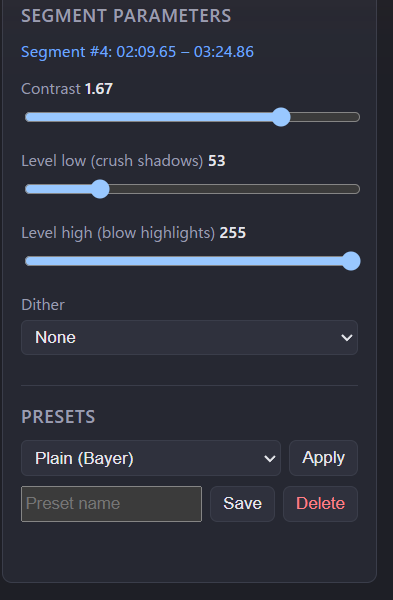
Each segment has its own set of parameters, applied only within its range:
| Parameter | Effect |
|---|---|
| Contrast | Overall contrast (eq=contrast). |
| Level low (crush shadows) | Crushes everything below the threshold to black — removes stray white dots in dark areas. |
| Level high (blow highlights) | Blows everything above the threshold to white — fixes dropouts in the foreground. |
| Dither | Bayer / error diffusion (ed) / none (-sws_dither). |
The preview updates as you adjust, showing the exact 1-bit output.
Presets
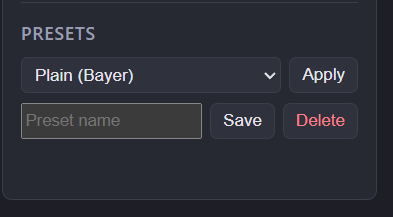
Save the current segment's parameters as a named preset, then Apply it to other segments. Presets can be deleted when no longer needed.